
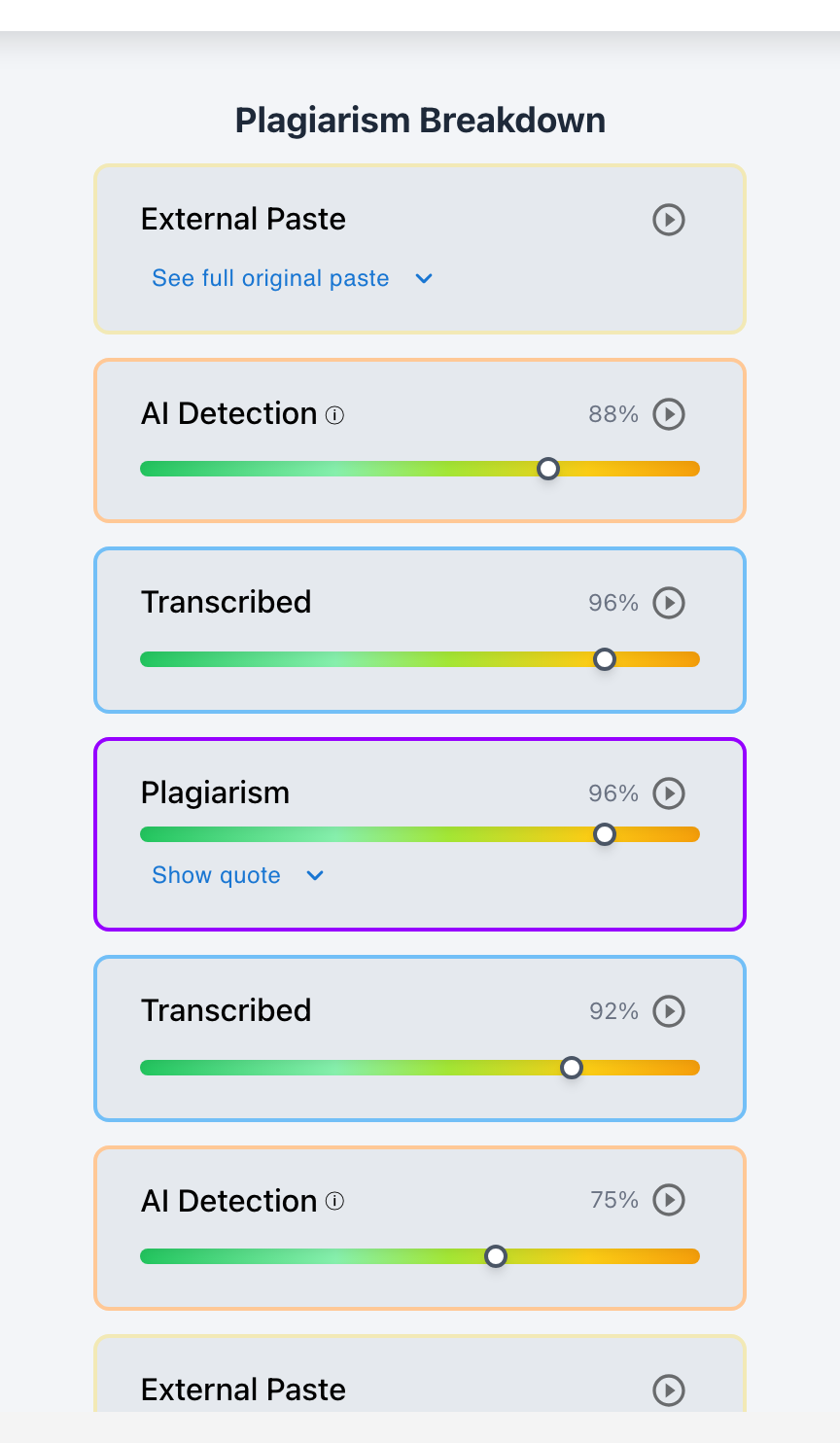
To identify the most suspicious essays in a class roster instantly, teachers can use Checkmark Plagiarism's 4-dimensional anomaly filter in Canvas SpeedGrader: 1) Telemetry Velocity Filter (sorting papers by active typing duration to isolate essays written in <15 minutes); 2) Multi-Signal Risk Score (identifying papers with high AI probability and concentrated plagiarism clusters); 3) Citation Integrity Scan (flagging hallucinated DOIs); and 4) Stylometric Variance (flagging sudden departures from a student's established diagnostic baseline).
When an assignment deadline arrives and 30 to 100 essays flood into the LMS, an educator cannot afford to read through every paper guessing which ones might be generated by AI or copied from peers. Looking for academic dishonesty without structured data is frustrating and prone to bias. Automated anomaly filtering transforms class-wide grading from a guessing game into an objective, data-driven workflow that surfaces the 3–5% of anomalous submissions in seconds. Checkmark Plagiarism provides this automated filtering directly inside the LMS gradebook.
Below is a comprehensive guide on isolating the most suspicious essays in any class roster.
Checkmark Plagiarism isolates suspicious submissions by pairing plagiarism detection with AI detection, essay writing playback, autograding, and integrations with Canvas and Google Classroom.
The 4 Filters That Isolate Suspicious Essays
1. The Active Telemetry Filter
Sort the class by Active Typing Duration: submissions with <15 minutes of typing for a 1,500-word essay immediately surface to the top of the queue.
2. The Multi-Signal Risk Score
Surfaces papers that combine high AI probability (>80%) with a single 0.05-second clipboard paste payload and 0% organic backspaces.
3. The Citation Integrity Scan
Filters for papers containing unresolvable DOIs, phantom academic journals, or non-existent authors created by AI hallucinations.
4. The Stylometric Departure Alert
Flags submissions that deviate significantly in sentence length, lexical diversity, and syntactic complexity from the student's in-class diagnostic baseline.
How Class-Wide Sorting Eliminates Grading Bias
Understanding the ethical and pedagogical power of objective anomaly filtering:
- Eliminating Unconscious Bias: Relying on subjective "gut feeling" often leads to disproportionately scrutinizing English Language Learners or quiet students; data-driven filters evaluate physical process telemetry objectively.
- Instant Confidence in Clean Work: When the class dashboard confirms that 85% of students typed for 3+ hours with healthy revisions, teachers grade those papers with total peace of mind.
- Actionable Triage: Instead of being overwhelmed by 100 papers, teachers focus deep investigative energy exclusively on the 3 or 4 genuine red-flag submissions.
Read more in how Checkmark writing process analysis works.
Comparison: Subjective Guesswork vs. Checkmark Automated Anomaly Filtering
Checkmark Anomaly Filtering (Objective & Instant)
- Class roster ranked by multi-signal risk index.
- Isolates low typing hours (<15 mins) automatically.
- Flags hallucinated citations across all papers.
- Surfaces the top 5% suspicious essays in 10 seconds.
Subjective Guesswork (Biased & Time-Consuming)
- Reading all essays with vague suspicion.
- Prone to false accusations on advanced vocabularies.
- Cannot see physical typing duration or paste events.
- Consumes hours of unnecessary investigative labor.
A 5-Step Educator Protocol for Isolating Suspicious Essays
Class Anomaly Identification Checklist:
- 1. Open the Assignment Dashboard in Canvas SpeedGrader or Google Classroom.
- 2. Click the "Sort by Risk Score" column header to bring anomalous papers to the top.
- 3. Inspect the top 3–5 Red submissions: review their Active Typing Hours and Paste Logs.
- 4. Check the Citation Status: look for red-flagged hallucinated DOIs.
- 5. Launch Checkmark Writing Playback to verify the physical construction of flagged papers before grading.
How Checkmark Plagiarism Powers Anomaly Detection
Checkmark Plagiarism combines **AI detection, essay writing playback, static AI detection, plagiarism detection, autograding, and Canvas/Google Classroom integrations** to automatically filter and rank student submissions by objective integrity metrics.
Frequently Asked Questions
How quickly can I find the most suspicious essays in a class?
With Checkmark's automated class-wide sorting, you can identify the top 3–5 most suspicious essays in your roster in under 10 seconds.
What is the single most reliable indicator of a suspicious essay?
Active Typing Duration: an essay with <15 minutes of typing and a 0.05-second clipboard paste payload is the most reliable physical indicator of an external shortcut.
Can an essay look completely normal to read but still be flagged?
Yes. An essay written by ChatGPT may read smoothly, but Checkmark flags the lack of drafting hours, synthetic cadence, and fake citations.
How does Checkmark Plagiarism integrate with Canvas LMS?
Checkmark integrates directly into Canvas SpeedGrader, adding risk sorting columns and telemetry badges directly to the student submission list.
How does Checkmark Plagiarism integrate with Google Classroom?
Checkmark provides an assignment overview dashboard in Google Classroom that highlights anomalous submissions automatically.
What if a student with a suspicious essay claims they wrote it offline?
Ask the student to submit the original offline draft file (.docx with save logs) or conduct a 2-minute oral check-in on the paper's core arguments.
How does Autograder handle suspicious essays in the class?
Checkmark Autograder pre-grades authentic papers while automatically flagging suspicious essays for educator review before grades are finalized.
Can teachers set custom anomaly thresholds?
Yes. You can configure minimum expected typing hours, maximum similarity percentages, and AI sensitivity levels in assignment settings.
Does identifying suspicious essays protect honest students?
Yes. By isolating true anomalies with data, honest students are graded quickly and protected from unwarranted suspicion or false accusations.
Why is class-wide anomaly filtering essential for high-volume educators?
Because it cuts grading and investigation time by up to 80%, allowing teachers to focus on teaching and providing meaningful feedback.
Data-Driven Clarity for Class-Wide Grading
Educators should never have to guess about academic integrity. By utilizing Checkmark Plagiarism's automated anomaly filters to identify suspicious essays instantly, teachers maintain total integrity oversight across entire class rosters with speed, fairness, and absolute clarity.
Checkmark Plagiarism supports this comprehensive approach with AI detection, essay writing playback, static AI detection, plagiarism detection, autograding, and integrations with Canvas and Google Classroom.
See how Checkmark filters and identifies suspicious essays across class rosters in Canvas. View a sample report or request a demonstration.