
Yes. Checkmark Autograder features native Canvas Rubric Conversion via LTI 1.3—automatically ingesting any rubric attached to a Canvas assignment, evaluating student essays against your exact criterion ratings, and pre-filling Canvas SpeedGrader rubric sliders and feedback boxes with zero manual copy-pasting.
Canvas LMS is the backbone of classroom workflows for millions of educators. However, grading essays in Canvas SpeedGrader traditionally requires clicking through individual rubric criterion boxes, typing repetitive feedback comments, and manually calculating point adjustments. Third-party AI tools force teachers to export documents, paste text into external websites, and re-enter scores into Canvas. In contrast, Checkmark Autograder lives directly inside Canvas SpeedGrader, converting native rubrics into automated, teacher-supervised evaluations seamlessly.
Below is a step-by-step guide on how native Canvas rubric conversion works and how it simplifies essay grading inside SpeedGrader.
Checkmark Plagiarism powers Canvas rubric conversion by pairing autograding with essay writing playback, AI detection, plagiarism detection, and native Canvas LMS integration.
The 4 Steps of Native Canvas Rubric Conversion
1. Automated Rubric Ingestion
Checkmark connects to your Canvas assignment via LTI 1.3, automatically importing criterion titles, point scales, and rating descriptions.
2. In-SpeedGrader AI Evaluation
Checkmark analyzes the student's submission against each Canvas rubric row, identifying quoted evidence and drafting criterion scores.
3. Pre-Filled Rubric Sliders & Comments
Inside SpeedGrader, Canvas rubric criteria are pre-selected, and quote-anchored feedback notes are automatically inserted into comment boxes.
4. 1-Click Teacher Authorization
The educator reviews the suggestions, makes any desired tweaks, and clicks "Save" to instantly post the final grade to the Canvas Gradebook.
Why Native Canvas Integration Outperforms External AI Tools
Using external AI websites requires cumbersome, disjointed grading steps:
- The Export-Import Hassle: External tools require downloading student DOCX files, uploading them to a third-party site, generating feedback, and manually typing grades back into Canvas.
- FERPA Vulnerabilities: Transferring student data to unvetted external sites violates institutional student privacy policies.
- The Checkmark Advantage: Checkmark operates natively within Canvas via secure LTI 1.3, preserving FERPA compliance and eliminating all manual data entry.
Read more in how Checkmark writing process analysis works.
Comparison: External AI Grading vs. Checkmark Native Canvas Autograder
External AI Grading Tools (Disjointed)
- Requires downloading student files from Canvas.
- Must manually copy/paste rubric criteria into AI tool.
- Teacher must re-enter every score into SpeedGrader.
- Takes 8–10 minutes per essay due to app switching.
Checkmark Native Canvas Autograder (Seamless)
- Zero file downloads: operates inside SpeedGrader.
- Automatically converts native Canvas rubrics.
- Pre-fills SpeedGrader sliders and comment boxes.
- Takes under 2 minutes per essay with 100% teacher control.
A 5-Step Educator Protocol for Canvas Rubric Autograding
Educator Canvas Workflow Checklist:
- 1. Create an assignment in Canvas and attach your standard Canvas Rubric.
- 2. Enable the Checkmark Plagiarism & Autograder LTI tool on the assignment.
- 3. Open SpeedGrader: Checkmark automatically imports the rubric and analyzes submissions.
- 4. Review pre-filled rubric criterion scores and quote-anchored feedback in SpeedGrader.
- 5. Adjust any scores, personalize comments, and click "Submit" to publish to the Canvas Gradebook.
How Checkmark Plagiarism Powers Native Canvas Grading
Checkmark Plagiarism combines **AI detection, essay writing playback, static AI detection, plagiarism detection, autograding, and Canvas/Google Classroom integrations** to make Canvas essay evaluation fast, seamless, and completely integrated within your existing workflow.
Frequently Asked Questions
Does Checkmark work directly inside Canvas SpeedGrader?
Yes. Checkmark is a certified LTI 1.3 application that embeds directly inside Canvas SpeedGrader, sidebar panels, and assignment settings.
Can Checkmark convert any Canvas rubric format?
Yes. Checkmark automatically converts standard point rubrics, range rubrics, non-scoring rubrics, and outcome-aligned rubrics in Canvas.
Do I have to re-enter grades into the Canvas Gradebook?
No. Once you approve the rubric scores in SpeedGrader, the final points and feedback sync directly into the Canvas Gradebook automatically.
Can teachers edit pre-filled Canvas rubric sliders?
Yes. Teachers have 100% control to adjust any rubric slider, modify criterion points, or rewrite comments before saving.
Does Checkmark check for AI and plagiarism inside Canvas?
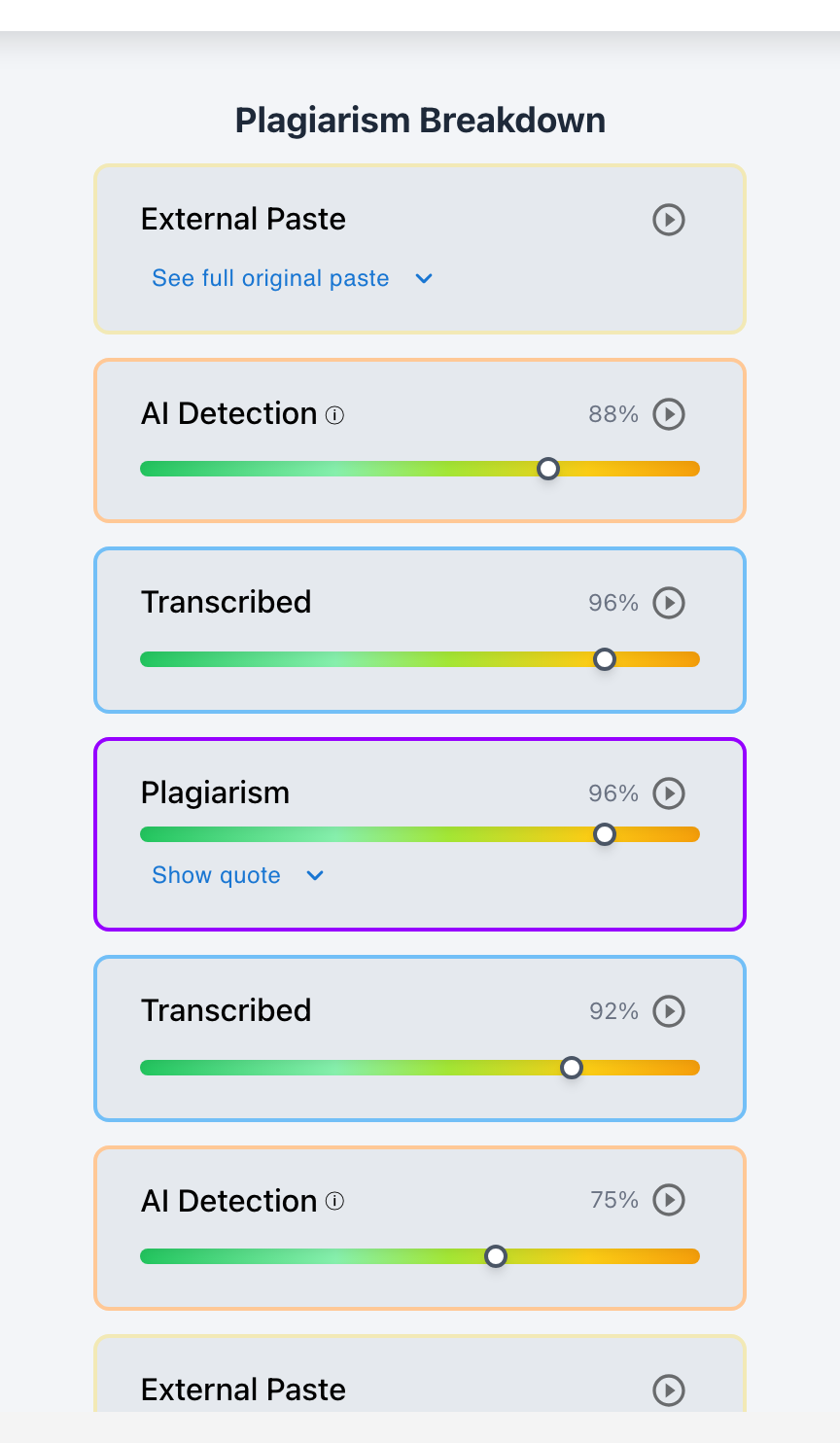
Yes. Checkmark displays AI detection scores, plagiarism database matches, essay writing playback replays, and autograding in a single SpeedGrader view.
How does Checkmark Plagiarism integrate with Canvas LMS?
Checkmark provides 1-click LTI 1.3 installation, seamless single sign-on (SSO), automated rubric conversion, and two-way gradebook passback.
Is student data secure and FERPA compliant?
Yes. Checkmark adheres to strict enterprise encryption standards and FERPA regulations, ensuring student writing never leaks to third parties.
How much time does Canvas rubric autograding save teachers?
Teachers report cutting grading time from 15 minutes to under 2 minutes per essay inside SpeedGrader, eliminating grading backlogs.
Can students see the rubric feedback on Canvas?
Yes. Once approved, students view their complete rubric breakdown, point distribution, and quote-anchored feedback directly in their Canvas student portal.
Why is native Canvas integration better than copying and pasting into ChatGPT?
Because native integration preserves student privacy, eliminates hours of manual data entry, uses your exact rubric, and links directly to your official gradebook.
Seamless Canvas Workflows for Modern Classrooms
Grading in your LMS should be effortless, accurate, and deeply integrated. By automatically converting Canvas rubrics into quote-anchored evaluations within SpeedGrader, Checkmark Autograder empowers educators to grade faster while delivering richer feedback to every student.
Checkmark Plagiarism supports this comprehensive approach with AI detection, essay writing playback, static AI detection, plagiarism detection, autograding, and integrations with Canvas and Google Classroom.
See how Checkmark pairs Canvas rubric conversion with multi-signal detection to grade essays faster inside Canvas SpeedGrader. View a sample report or request a demonstration.