
To protect school networks and student data from cybersecurity threats, school districts must mandate 5 non-negotiable security requirements for AI detection software: AES-256 encryption at rest and TLS 1.3 in transit, certified LTI 1.3 / OAuth 2.0 authentication, isolated multi-tenant architecture, annual third-party SOC 2 Type II audit verification, and a 48-hour breach notification SLA.
As educational institutions face an unprecedented wave of ransomware attacks, data breaches, and state privacy audits, edtech procurement has shifted from a purely pedagogical evaluation to a rigorous cybersecurity risk assessment. Introducing third-party AI software into district LMS environments without verifying vendor infrastructure exposes student records, teacher credentials, and district servers to serious vulnerabilities. Establishing clear security baselines ensures that academic integrity tools protect your district from digital threats.
Below is a comprehensive technical cybersecurity guide for Chief Information Security Officers (CISOs), Technology Directors, and Network Administrators.
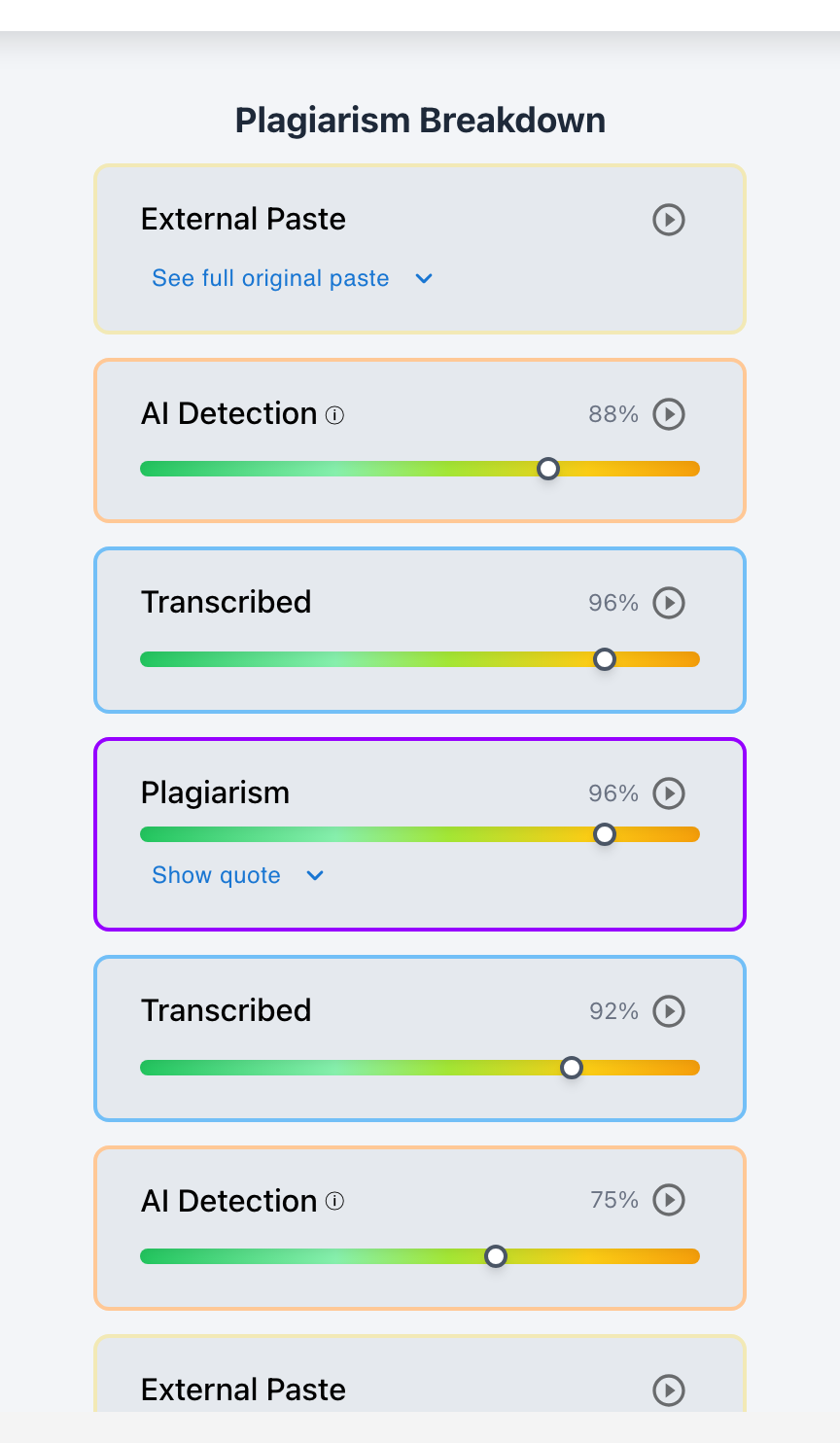
Checkmark Plagiarism pairs AI detection with essay writing playback, plagiarism detection, autograding, and integrations with Canvas and Google Classroom.
The 5 Non-Negotiable Cybersecurity Requirements
1. Enterprise Data Encryption
Mandates AES-256 encryption for all stored files and database tables at rest, paired with TLS 1.3 cryptographic protocols for all data in transit.
2. 1EdTech Certified LTI 1.3 Authentication
Utilizes OAuth 2.0 asymmetric JSON Web Tokens (JWT) for single sign-on, eliminating static shared secrets and password vulnerabilities.
3. Strict Multi-Tenant Isolation
Guarantees that your district's student essays, repository indices, and user roles are logically and cryptographically partitioned from other institutions.
4. Independent SOC 2 Type II Audits
Requires an unredacted annual SOC 2 Type II audit report conducted by an accredited AICPA CPA firm covering Security, Availability, and Confidentiality.
5. Incident Response & 48-Hour Breach Notification
A contractually binding Service Level Agreement (SLA) guaranteeing incident containment and formal district notification within 48 hours of any confirmed unauthorized access.
Why Consumer Web Tools Fail District Security Audits
Free or consumer-grade AI scanners fail almost all enterprise cybersecurity tests:
- Legacy Cryptography: Consumer tools frequently use outdated TLS 1.0/1.1 protocols or unencrypted plain-text HTTP connections.
- Shared Database Pools: Unvetted startups store all customer submissions in a single shared database pool, creating massive risk of cross-customer data leakage.
- Zero Independent Verification: Most consumer AI checkers have never undergone a formal penetration test or third-party SOC 2 security audit.
Read more in how Checkmark writing process analysis works.
Comparison: Unvetted Consumer Tools vs. Checkmark Enterprise Security
Unvetted Consumer Tools (High Cyber Risk)
- No third-party SOC 2 Type II audit report.
- Uses static passwords and legacy LTI 1.1 keys.
- Shared database architecture without tenant isolation.
- No contractual breach notification guarantee.
Checkmark Enterprise Platform (Lower Cyber Risk)
- HECVAT assessment completed.
- Certified LTI 1.3 Advantage with OAuth 2.0 tokens.
- Encrypted multi-tenant logical database isolation.
- Contractually binding 48-hour breach SLA.
A 5-Step CISO Protocol for EdTech Security Vetting
District Security Vetting Checklist:
- 1. Request the vendor's latest SOC 2 Type II audit report and HECVAT assessment under NDA.
- 2. Review the vendor's third-party penetration test summary and vulnerability management policy.
- 3. Verify that LTI 1.3 Advantage is supported to ensure secure OAuth 2.0 data exchange in Canvas.
- 4. Ensure AES-256 encryption at rest with automated key rotation in the Data Privacy Agreement.
- 5. Confirm single sign-on (SSO) integration via SAML 2.0 or Google Workspace for Education.
How Checkmark Plagiarism Powers Enterprise Security
Checkmark Plagiarism combines **AI detection, essay writing playback, static AI detection, plagiarism detection, autograding, and Canvas/Google Classroom integrations** in a single platform built for district IT review.
Frequently Asked Questions
What encryption standards are required for school edtech?
Schools require AES-256 encryption for data at rest and TLS 1.3 encryption for data in transit to ensure complete protection against eavesdropping and data breaches.
What is the difference between SOC 2 Type I and Type II?
Type I tests security controls at a single point in time, while Type II tests the operational effectiveness of security controls over an extended 6- to 12-month auditing window.
How should a district verify a vendor's SOC 2 Type II status?
Ask the vendor for its latest SOC 2 Type II report under NDA, then have your IT security team confirm the audit period, the scope, and the trust services criteria it covers.
What is LTI 1.3 Advantage?
It is the highest 1EdTech interoperability standard, using OAuth 2.0 and asymmetric JWT encryption to connect tools securely with Canvas, Google Classroom, and Blackboard.
How does Checkmark isolate district data?
Checkmark employs enterprise multi-tenant database isolation, ensuring your district's student data is partitioned and accessible only by authorized staff.
How does Checkmark Plagiarism integrate with Canvas LMS?
Checkmark provides certified LTI 1.3 integration, SpeedGrader sidebar embeds, two-way grade passback, and single sign-on (SSO).
Does Checkmark support Single Sign-On (SSO)?
Yes. Checkmark supports Google Workspace for Education SSO, Microsoft Entra ID (Azure AD), ClassLink, and SAML 2.0 federated identity.
What happens during a security incident?
Under Checkmark's binding SLA, our incident response team initiates immediate containment and provides formal notification to affected district administrators within 48 hours.
Does Checkmark conduct regular penetration testing?
Yes. Checkmark undergoes annual independent third-party penetration tests and continuous automated vulnerability scanning.
Why is cybersecurity vetting essential for academic integrity software?
Because integrity software handles sensitive student intellectual property and grades; compromising this data can lead to regulatory fines, parent lawsuits, and network breaches.
Enterprise-Grade Security for Peace of Mind
Securing the modern digital classroom requires uncompromising standards and verified technical controls. By partnering with Checkmark Plagiarism, district technology leaders gain academic integrity tools designed with enterprise cybersecurity practices in mind.
Checkmark Plagiarism supports this comprehensive approach with AI detection, essay writing playback, static AI detection, plagiarism detection, autograding, and integrations with Canvas and Google Classroom.
See how Checkmark pairs enterprise cybersecurity with multi-signal detection to protect student data inside your LMS. View a sample report or request a demonstration.